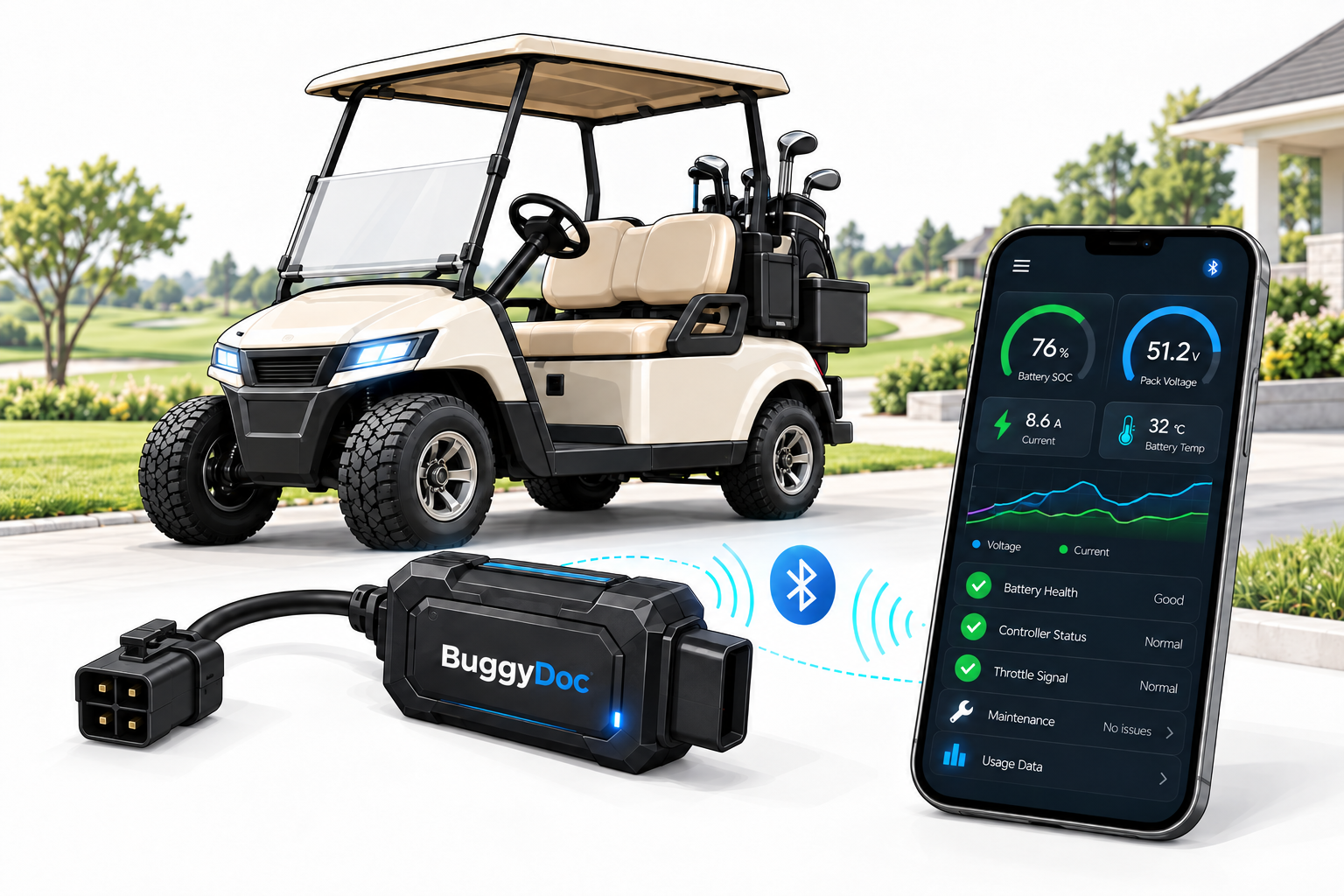
Investigate lost power or range
Compare hill pulls, acceleration, and supported voltage behavior with the same vehicle's healthy baseline to help guide the next check.
Use BuggyDoc while your vehicle is running well to establish its own known-good performance baseline. If power, range, or reliability changes later, compare new drive data with the same vehicle's healthy history instead of relying on factory defaults, memory, or guesswork.
Bring hard evidence to the shop and spend less time trying to reproduce a vague or intermittent complaint.
Working prototype demonstrated on a Curtis 1268. Public sales have not opened.
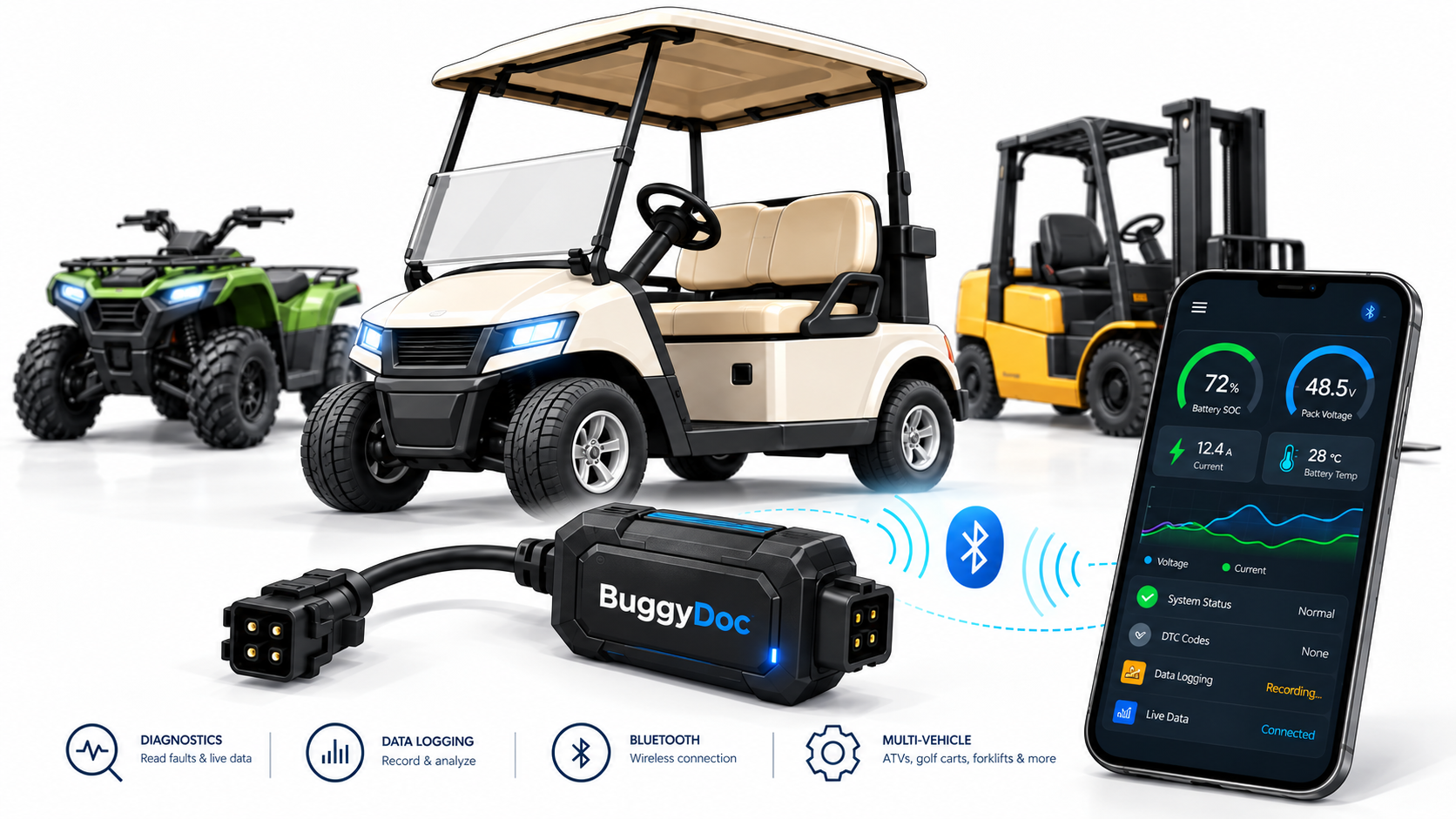
Most diagnostics begin after performance has already deteriorated. BuggyDoc takes a different approach: record a repeatable drive while this exact vehicle is operating well, then compare later tests with its own known-good history.
Capture a healthy drive under normal load and repeatable conditions
Run a similar test if range, power, response, or reliability changes
Review supported differences and bring specific evidence to the shop
Planned comparison workflow: BuggyDoc is being developed as decision support, not automatic diagnosis. Comparisons will show only changes supported by collected data and work best when route, load, battery charge, and conditions are kept similar.
Most electric-vehicle motor controllers are already sophisticated devices. They monitor information such as accelerator position, motor current, controller temperature, voltage, and faults, then use those readings moment by moment to manage power and help keep the drive system operating properly.
What is often missing is an easy way to keep that information and compare it over time. BuggyDoc is being developed to continuously capture supported controller readings during a drive, connect them with how the vehicle was moving, and build a baseline of healthy performance.
If power, range, or reliability changes later, a new drive can be compared with that baseline. Instead of starting with a guess, you or your repair shop can see what changed and make a better-informed next check.
Compare hill pulls, acceleration, and supported voltage behavior with the same vehicle's healthy baseline to help guide the next check.
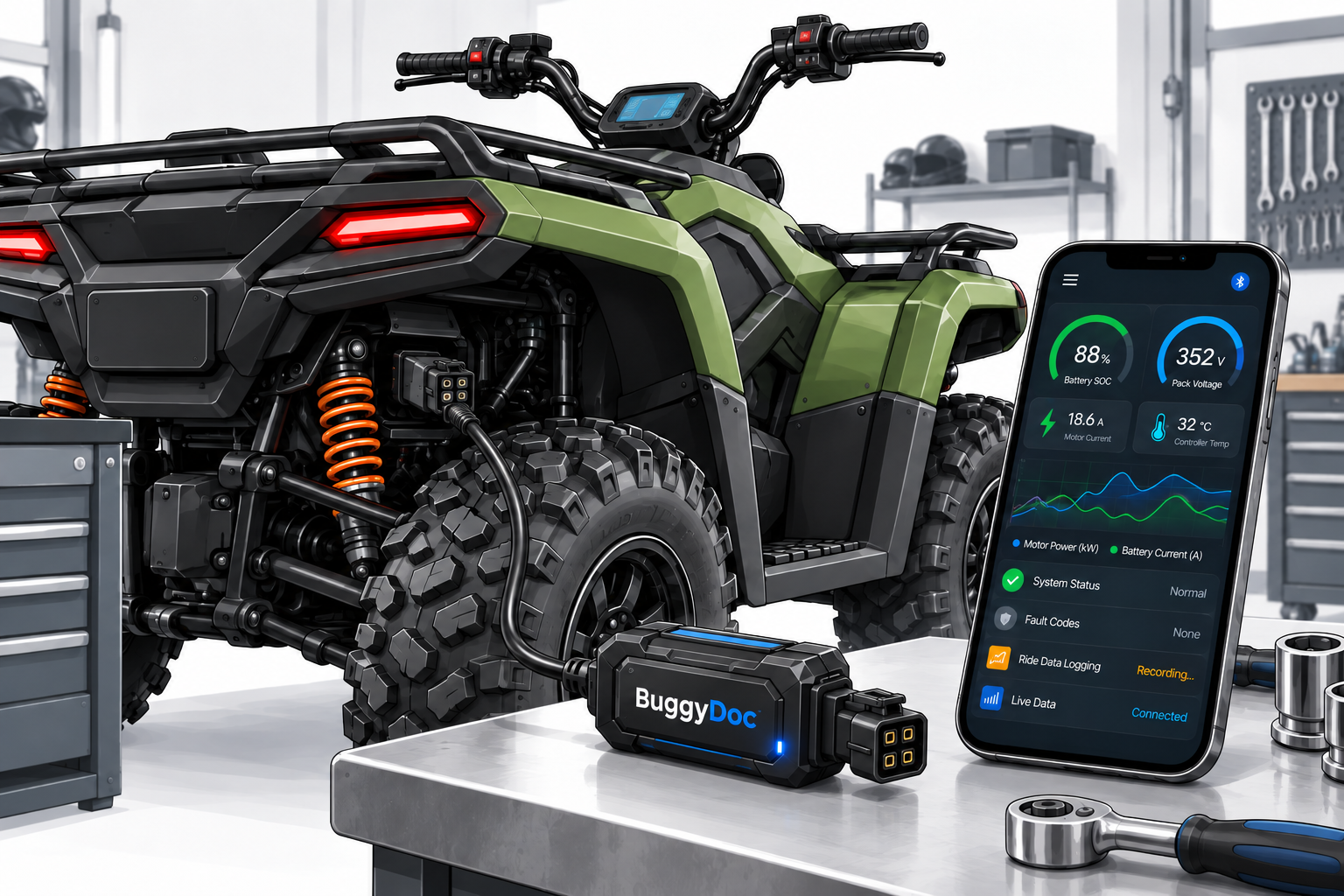
Preserve the conditions around a cutout, hesitation, or weak pull, then contrast that event with sessions recorded when the vehicle behaved normally.
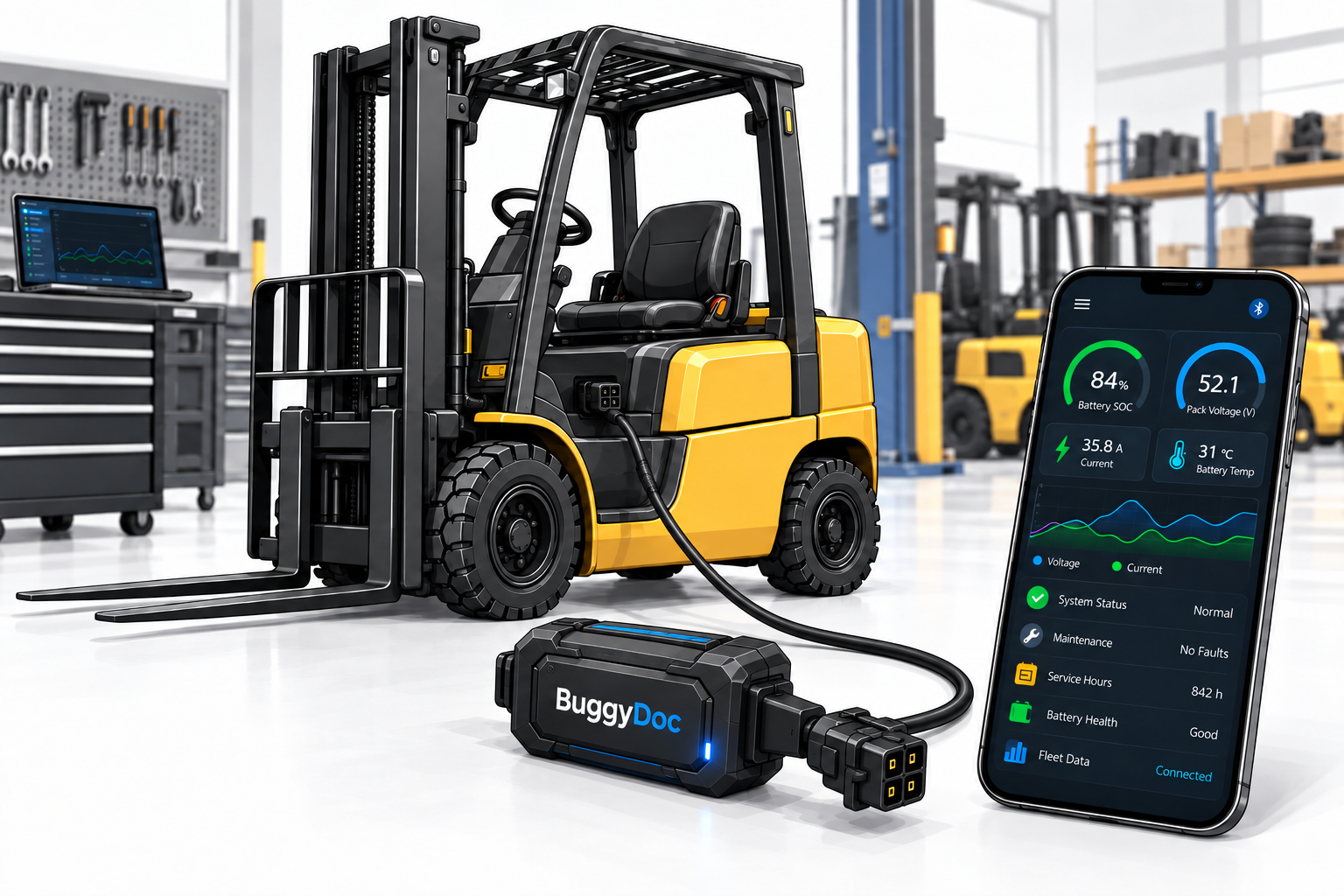
Repeat the same simple test over time. If the same job begins to require more electrical effort than the healthy baseline, the change can help focus the next inspection.
Images are concept visualizations. Hardware appearance, connectors, supported vehicles, and app screens may change during development.
Connect while the vehicle is performing well, capture its normal behavior, and keep that session. If a problem develops later, repeat the test and bring the differences to your own troubleshooting or a repair professional.
Attach a purpose-built harness to a supported controller, without changing its settings.
HARNESS DESIGNS IN DEVELOPMENTCapture supported live values under repeatable, real-world conditions while the vehicle is running well.
LIVE VALUES PROVEN ON 1268Review a drive, compare it with earlier tests, and send useful evidence to a technician or shop.
LOGGING WORKFLOW IN DEVELOPMENTConnect near the controller, record a safe known-good drive, and repeat it later if performance changes instead of trying to recreate everything on a workbench.
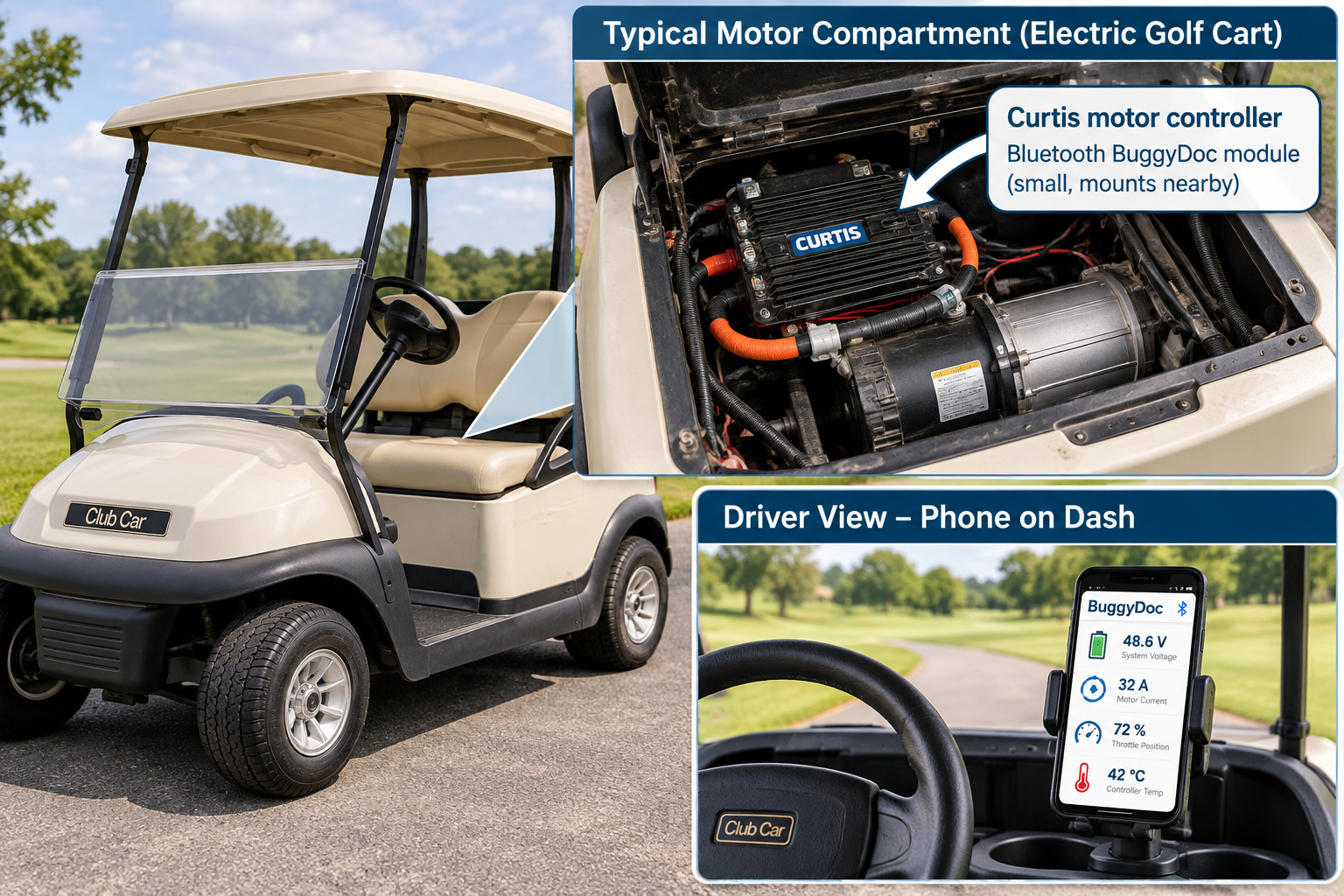
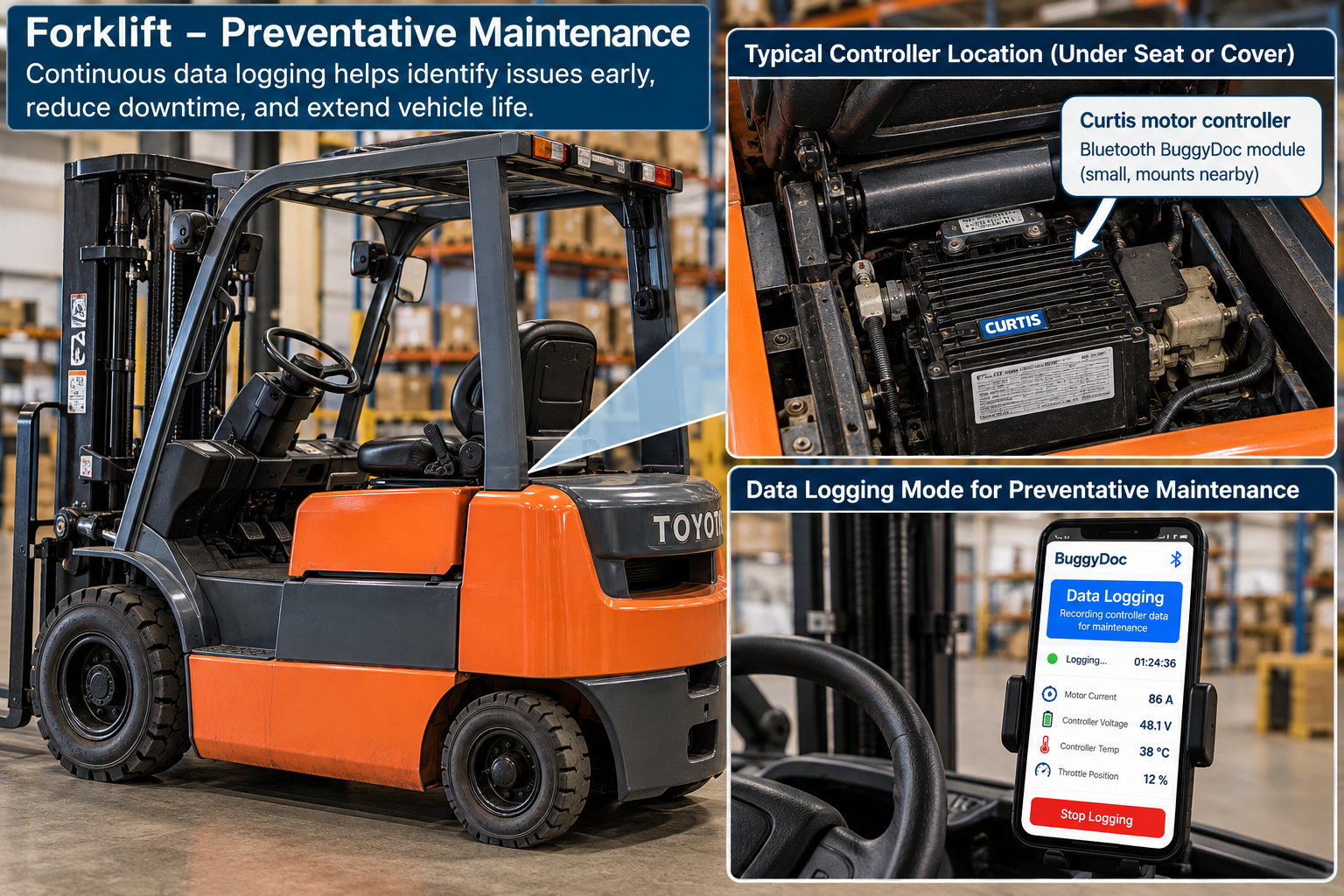
Illustrative concepts only. Connection method, harness routing, mounting, screens, and equipment compatibility are not finalized.
The Curtis 1268 prototype has displayed several values in real time. You do not need to interpret them like an engineer: BuggyDoc is being designed to connect the readings with what the vehicle was doing and highlight changes worth investigating. Availability varies by exact controller and firmware.
You do not need a broken vehicle to learn something useful. BuggyDoc is being designed to learn how your vehicle normally performs, recognize meaningful changes later, and—when enough matching data is available—add context from similar vehicles.
On a clear, level route, accelerate firmly to a chosen speed, release the pedal, and coast. Capture controller response alongside acceleration and coast-down behavior.
GUIDED TEST CONCEPTRepeat the same safe climb, direction, payload, and starting conditions. Compare how quickly the vehicle accelerates and which supported controller values change under load.
GUIDED TEST CONCEPTEnter the same descent at a safe, repeatable speed, release the pedal, and compare deceleration with supported regenerative-braking and controller data.
GUIDED TEST CONCEPTImportant: These comparisons are planned decision support, not an automatic diagnosis. Tests should only be performed in a safe, permitted area, without handling a phone while driving, and within the vehicle manufacturer's operating limits.
BuggyDoc is early. Here is the line between demonstrated work and the roadmap.
Tap a reaction on any capability. Anonymous votes help prioritize the work that would be most useful during a real diagnosis.
See supported controller values on a nearby phone while the symptom is present.
Record healthy drives now so later changes can be compared with the same vehicle.
Send a session to a technician, shop, vendor, or knowledgeable friend for a closer look.
Review supported fault and status information alongside what the vehicle was doing.
Watch the most useful values during a drive or service test from a phone.
Use an optional mounted display to watch key values during normal operation.
Read and retain supported settings before service or component changes.
Experimentally change approved parameters only where it can be done safely.
Compare repeatable tests across multiple vehicles and flag meaningful changes for follow-up.
Choose the capabilities you would actually use when testing a vehicle. This is research—not an order or reservation.
These ranges test product-market fit. They are not offers, preorder prices, or commitments.
Whether your vehicle is healthy or already has a problem, your experience can help shape useful baselines, repeatable comparisons, and evidence that supports real repairs.
We need known-good vehicles as much as problem vehicles. Healthy sessions establish the individual reference needed to recognize meaningful changes later. We are recruiting Curtis 1268 owners first, plus 1266-family, 1243GEN2, and 1244-5651 owners for planned compatibility work.
No. BuggyDoc is in development and is not taking orders or preorders. The site is gathering feedback and recruiting potential beta testers.
Prototype communication has been demonstrated with a Curtis 1268. The Curtis 1266 / 1266A / 1266R family is the next planned validation target, followed by the Curtis 1243GEN2. The Curtis 1244-5651 is an additional evaluation candidate. None of these target models are currently supported, and compatibility will only be claimed after testing.
Yes. Selected participants who complete agreed beta tests and share usable controller and motion data will receive a contributor discount of up to 25% off their first BuggyDoc order when sales open. The exact discount will be confirmed before testing.
No. BuggyDoc is intended to show observable controller and motion data plus changes worth investigating, not automatically condemn a battery, controller, motor, or mechanical component. The goal is better evidence for the next test and less replacement by guesswork.
Not as a promised feature. Two-way configuration and programming are experimental research areas and would only be enabled for models and parameters that can be supported safely.
The primary concept uses a phone over Bluetooth. A compact permanent OLED/dashboard is also being evaluated based on interest.
Hear about prototype milestones, compatibility testing, and beta openings.